XLSDEAL GSTR-N
Easily download bulk GST filing data and ledgers in JSON, PDF & Excel format—straight from gst.gov.in.
View on Chrome Web StoreFree
₹0/mo
- Apr, May & Jun Months are allow
- Limited Records Search
- No Bulk Downlaod Allowded
Prime
₹100/yr
- Full Access
- Bulk Download/Validations
- Json, PDF & Excel Data Download
- One GSTIN Allowed
- 365 Days Validity
Professional
₹1000/mo
- Full Access
- Bulk Download/Validations
- Json, PDF & Excel Data Download
- 200 GSTINs Allowed
- 30 Days Validity
GST Pro Assistant
Elevate your GST workflow with a smart dashboard, sleek presentation, and modern data visualization.
View on Chrome Web StoreDemo
₹0/yr
- All Assistant Tools
- Activate for 1 GSTIN
- Validity 10 Days
Prime
₹250/yr
- All Assistant Tools
- Activate for 1 GSTIN
- Validity 365 Days
Multiple
₹2,000/mo
- All Features
- Activate for 60 GSTINs
- Validity 30 Days
GSTR-Bridge
Effortlessly sync data between XLSDeal and the GST Portal with speed, simplicity, and reliability.
View on Chrome Web StoreDemo
₹0/mo
- 1 GSTIN Active
- Validity 10 Days
- Data will Removed
Prime
₹600/yr
- 1 GSTIN
- Validity 365 Days
- Full Access
Multiple
Custom
- Unlimited GSTINs
- Validity 365 Days
- Custom Support
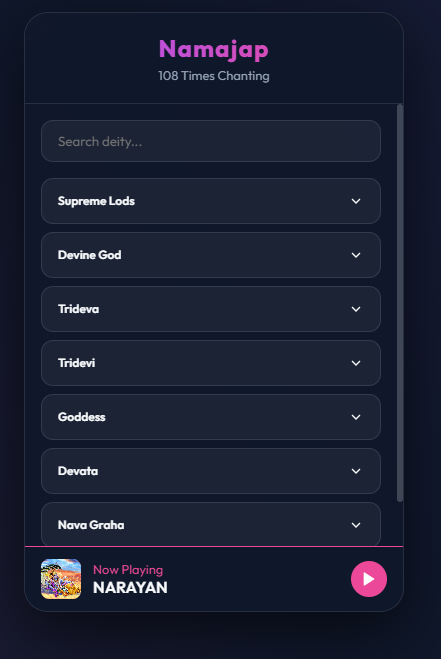
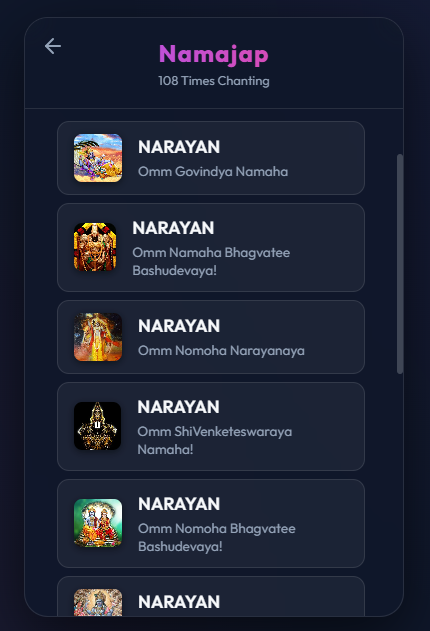
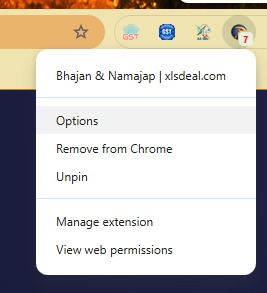
Bhajan & Namajap
Discover the power of Namajap — chanting sacred Hindu divine mantras 108 times
View on Chrome Web Store
1
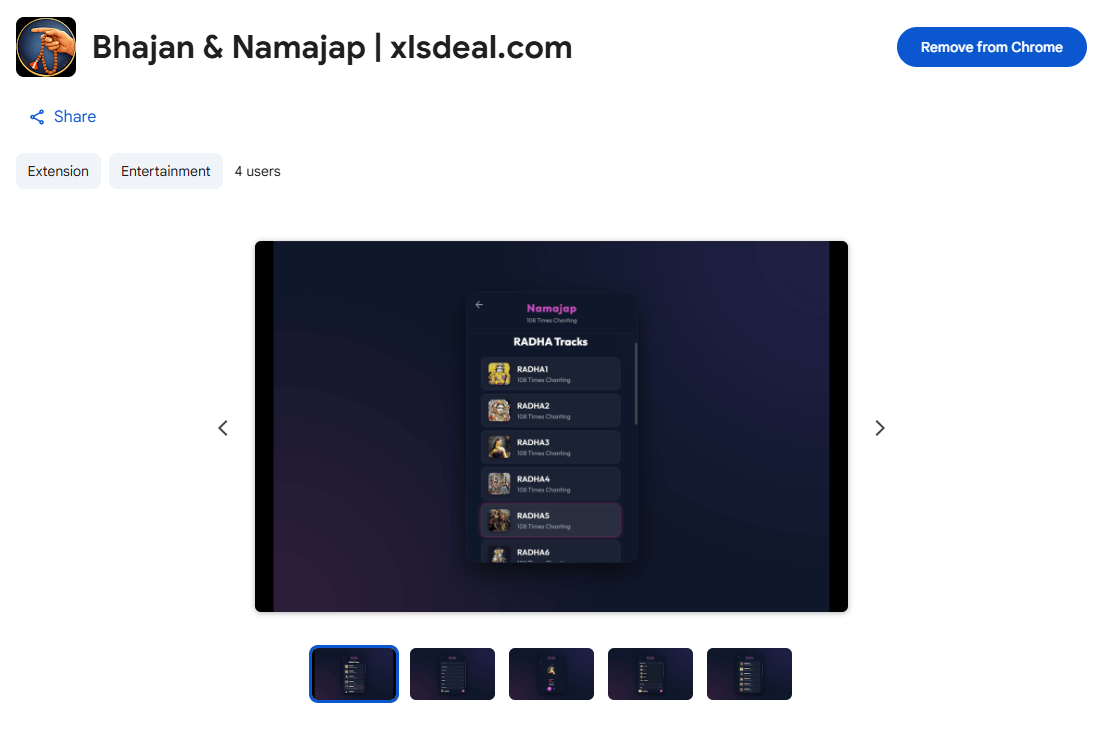
Installatation from Chrome Web Store
2
3

4

5

6

7

8

9
10

12

13

13
14

15

16

17

18

19

20

21
SBI Corporate Bulk Cheque
Automate Bulk cheque Preparations and Mutiple Benificiary Add Utility
View on Chrome Web Store
1
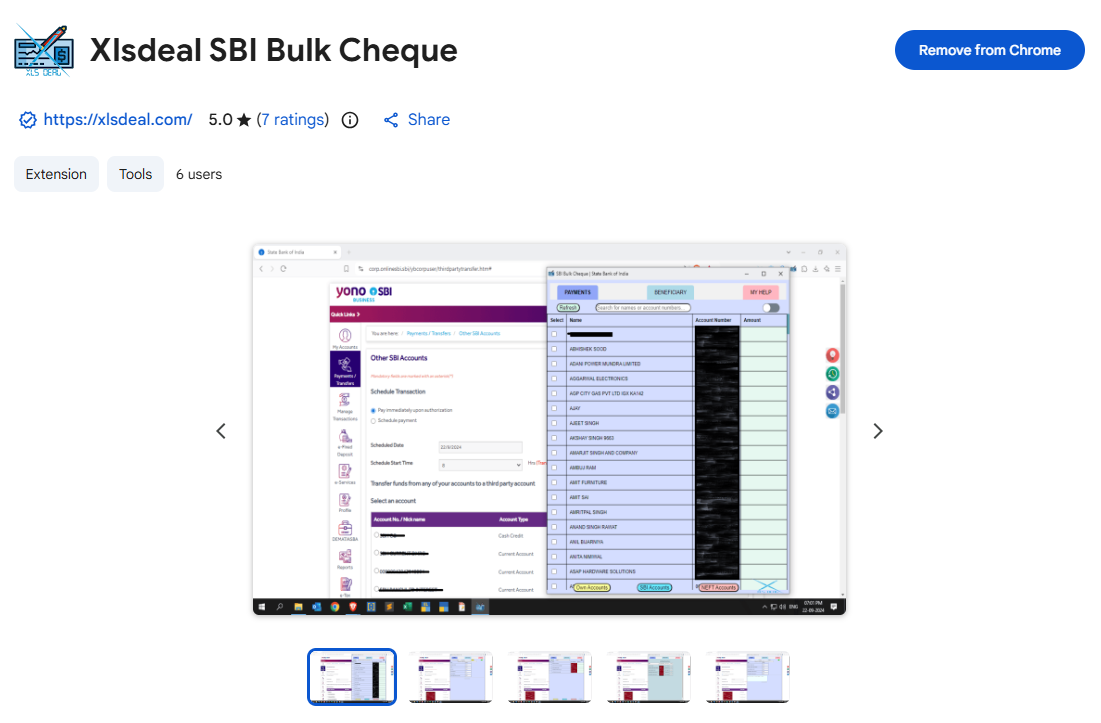
Installatation from Chrome Web Store
2
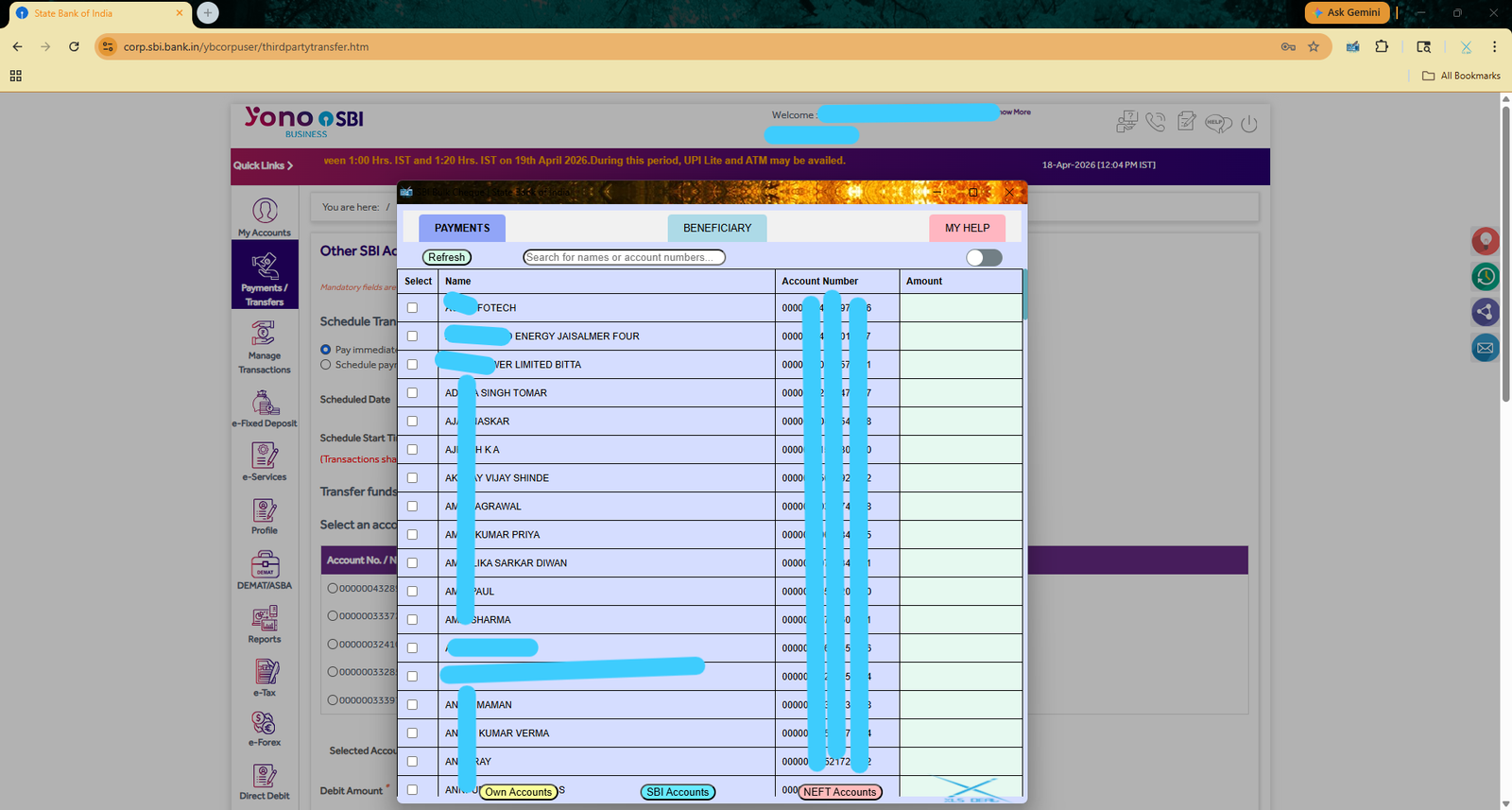
Bulk Cheque Preparation, By select those accounts checkbox then enter enter respective Amounts
3
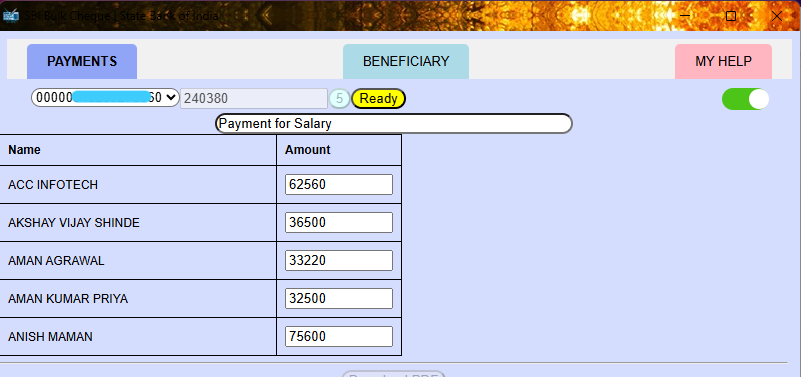
On this page you can enter a Universal Bank Transaction Reference then Press Read> Start.
4
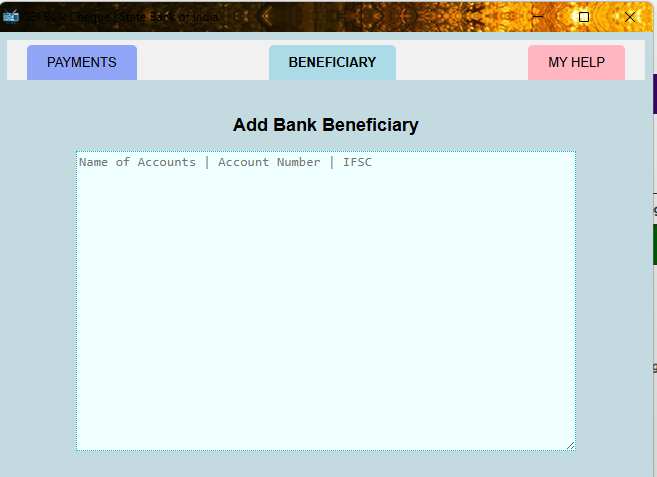
Add Multiple Bank Accounts as Beneficiay, copy past from excel as desire format only
5
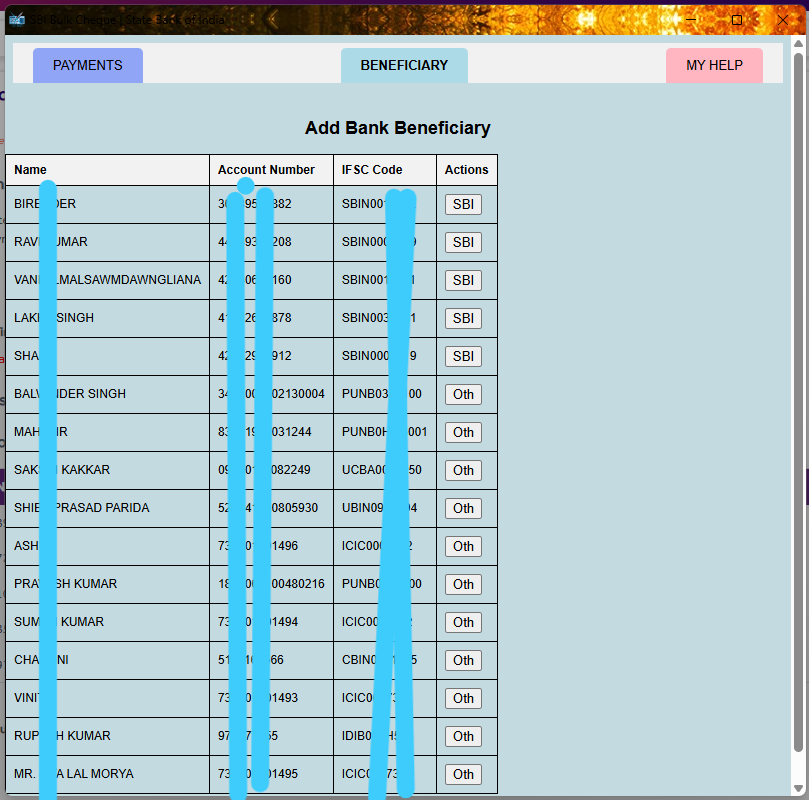
Automatically this page show on past showing each lines Action Buttons, By pess any button that account will be Added to your Bank.
User Credentails
This will store your ID & Password and autofill on single Click (it sill store inside your Browser Only)
View on Chrome Web Store
1
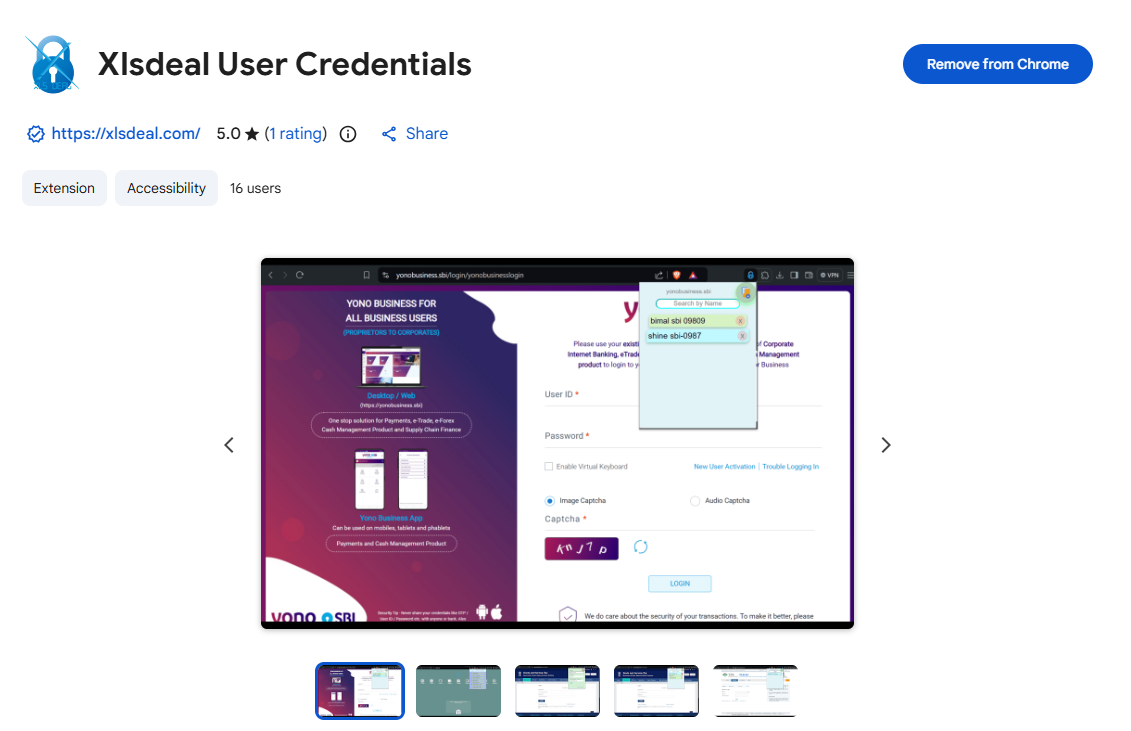
Installatation from Chrome Web Store
Passport Photo Maker within 1/2 Minutes
This will make insted Passport size photo from any images also removed backgound with multiple copies.
View on Chrome Web Store
1
Installatation from Chrome Web Store
2
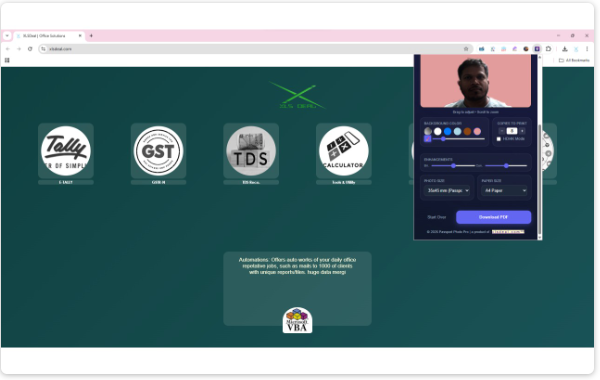
Capture/Upload your Picture to this Utiliy
3
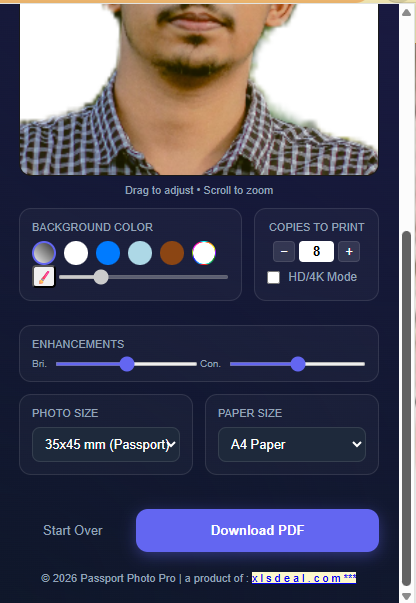
Automatically Remove Background, you can adjust further as per your choice and select Numbers of Copies
4

This way PDF file will generate ready to Print Only.